
Tessellate
Tiled terminal manager for macOS. See all your terminal sessions at a glance in side-by-side panes — built for developers running multiple AI coding agents in parallel.
What's New in 2.0.4
Microphone support for voice input.
- Terminal Programs Can Use the Microphone: Tessellate now declares microphone access, so tools like Claude Code's voice mode can record audio. The first time a program requests the mic, macOS will ask for permission.
What's New in 2.0.3
Bug fix release.
- ⌘D Regression Fix: ⌘D once again opens new panes in the focused pane's directory. A duplicate keyboard shortcut on the toolbar "+" button was silently shadowing the menu binding and routing ⌘D back to the home directory. The "+" button now also inherits the focused pane's cwd, so click and ⌘D behave identically.
What's New in 2.0.2
UI polish and smarter pane-state detection.
- Pane-Aware ⌘D: ⌘D opens new panes in the focused pane's current directory (was: home directory). ⌘T still opens in the home directory.
- Tahoe Title-Bar Fix: Removed a stray pill artifact in the center of the title bar on macOS Tahoe — switched the flex spacer to a real
ToolbarSpacer. - No More Tab-Group Placeholder: Window tabbing disabled so Tahoe no longer renders its empty tab-group strip.
- Centered Traffic Lights: Custom close/minimize/zoom buttons re-centered with even spacing inside the toolbar chip.
- Smarter Asking Detection: No longer false-triggers on Claude Code's
? for shortcutsfooter orTry "…"input placeholder.
What's New in 2.0.1
UI polish.
- Tron-Style Pane Glow: Pane borders glow in each pane's state color (idle/working/asking) and brighten when focused
- Thinner Top Bar: Title hidden in a compact toolbar style for more vertical room
- Repositioned Controls: Window close/minimize/zoom buttons moved to the top-left as compact circles; pane controls (sidebar, +, −, count) pushed to the trailing edge
What's New in 2.0.0
Major release. Tessellate now uses the official swift-ghostty terminal engine, with substantial UI and stability work since 1.x.
Fixes
- Shift+Tab Support: Now reaches CLI tools — toggles Claude Code's mode, sends Backtab to vim/less/fzf
- DPI-Aware Resizing: Terminals resize correctly when the window moves between monitors with different resolutions or DPIs
- Screenshot Drop: macOS screenshot thumbnails (the floating preview after Cmd+Shift+4) now drop their file path into the focused pane
Since 1.x
- New Terminal Engine: swift-ghostty — faster rendering, better key handling, native font system
- Workspaces: Persistent tabs with drag-to-reorder and per-workspace state
- Asking-State Detection: Colored borders + sidebar pills indicate which agents need attention
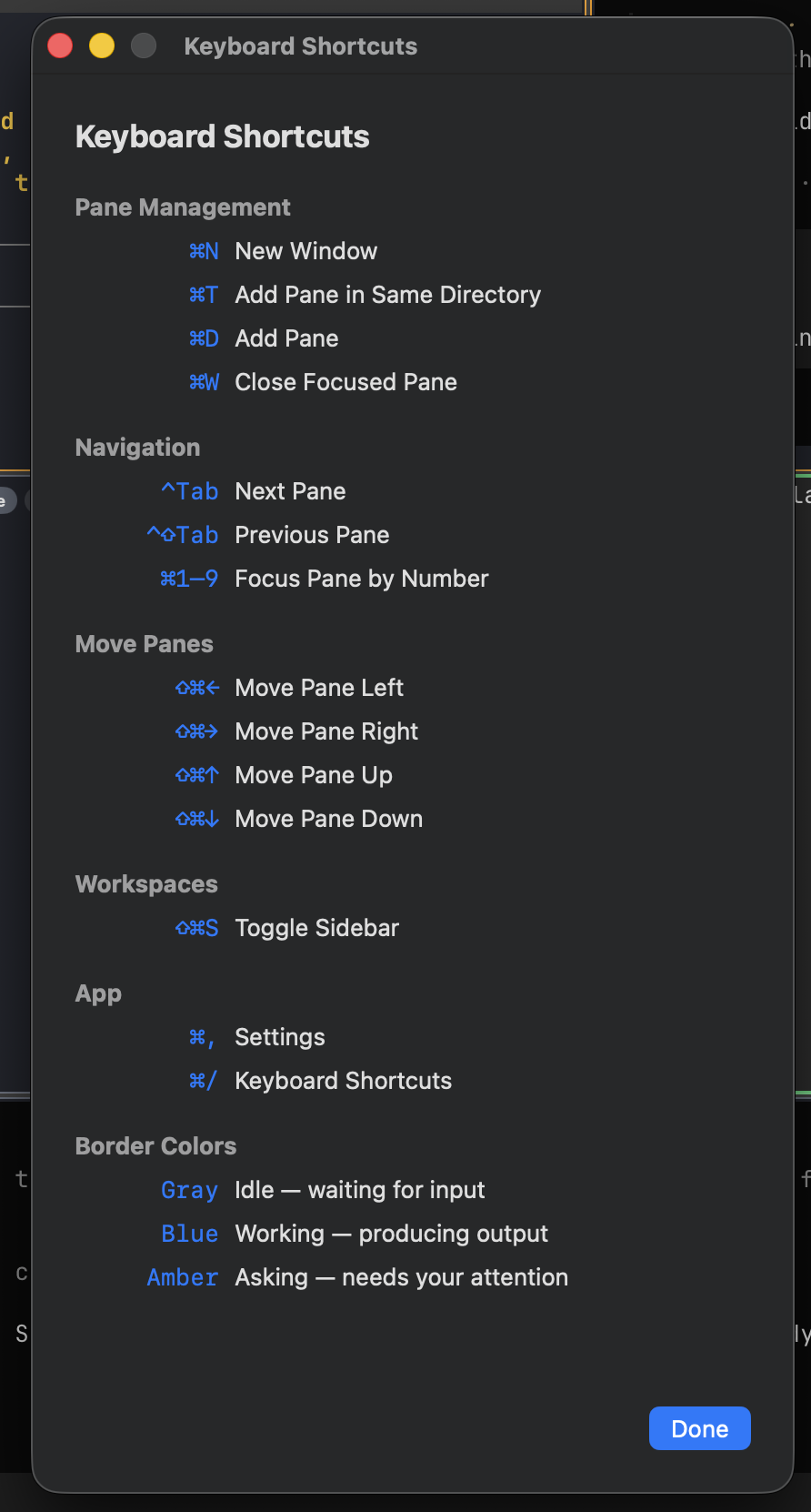
- Smarter Navigation: Cmd+1–9 to focus pane by number, Cmd+Arrow for directional focus, Ctrl+Tab to cycle
- Drag-and-Drop Files: Paths are quoted and pasted with a trailing space
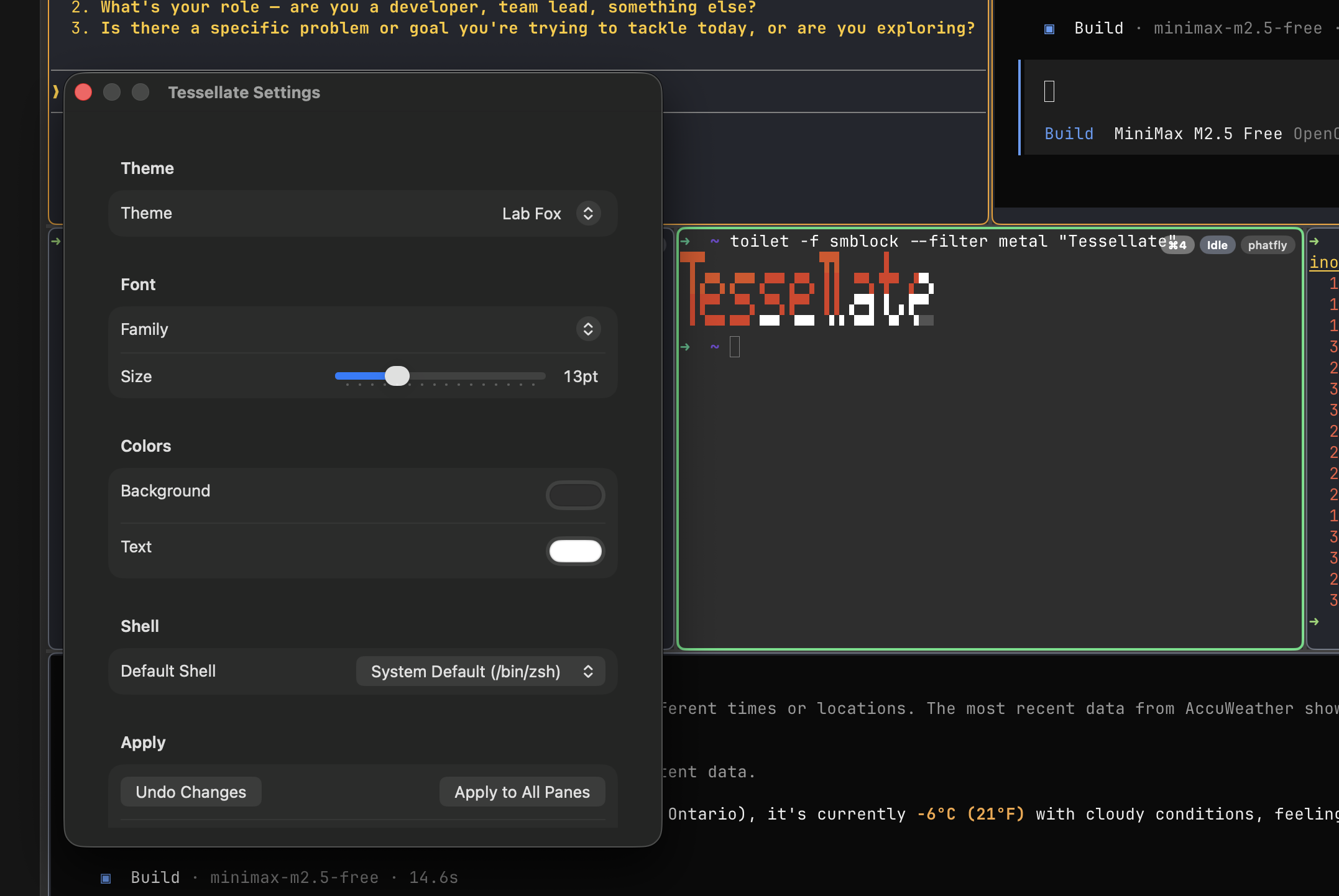
- Per-Pane Overrides: Font and theme can be customized per pane via Preferences
Features
Tiled Terminal Panes
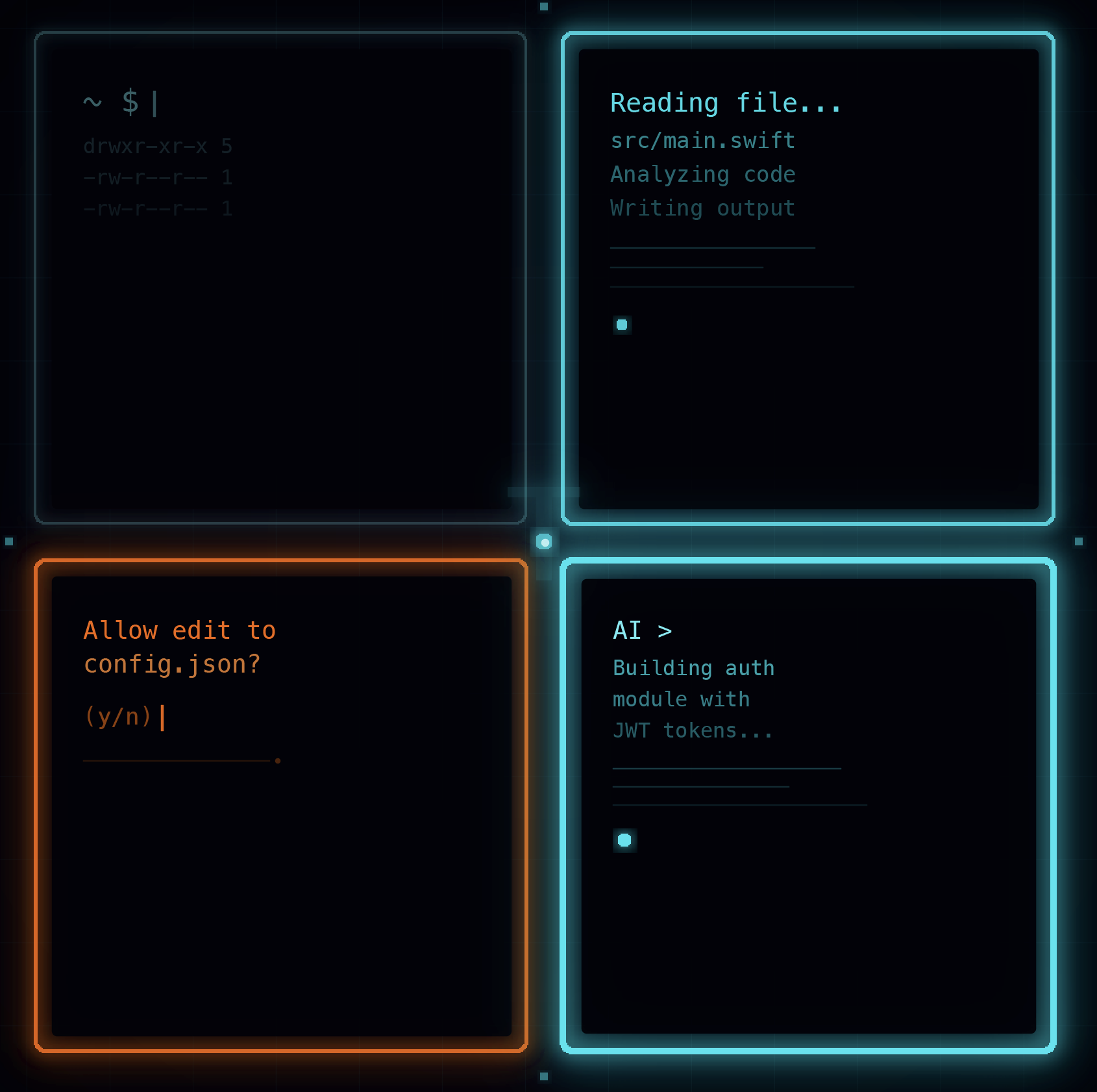
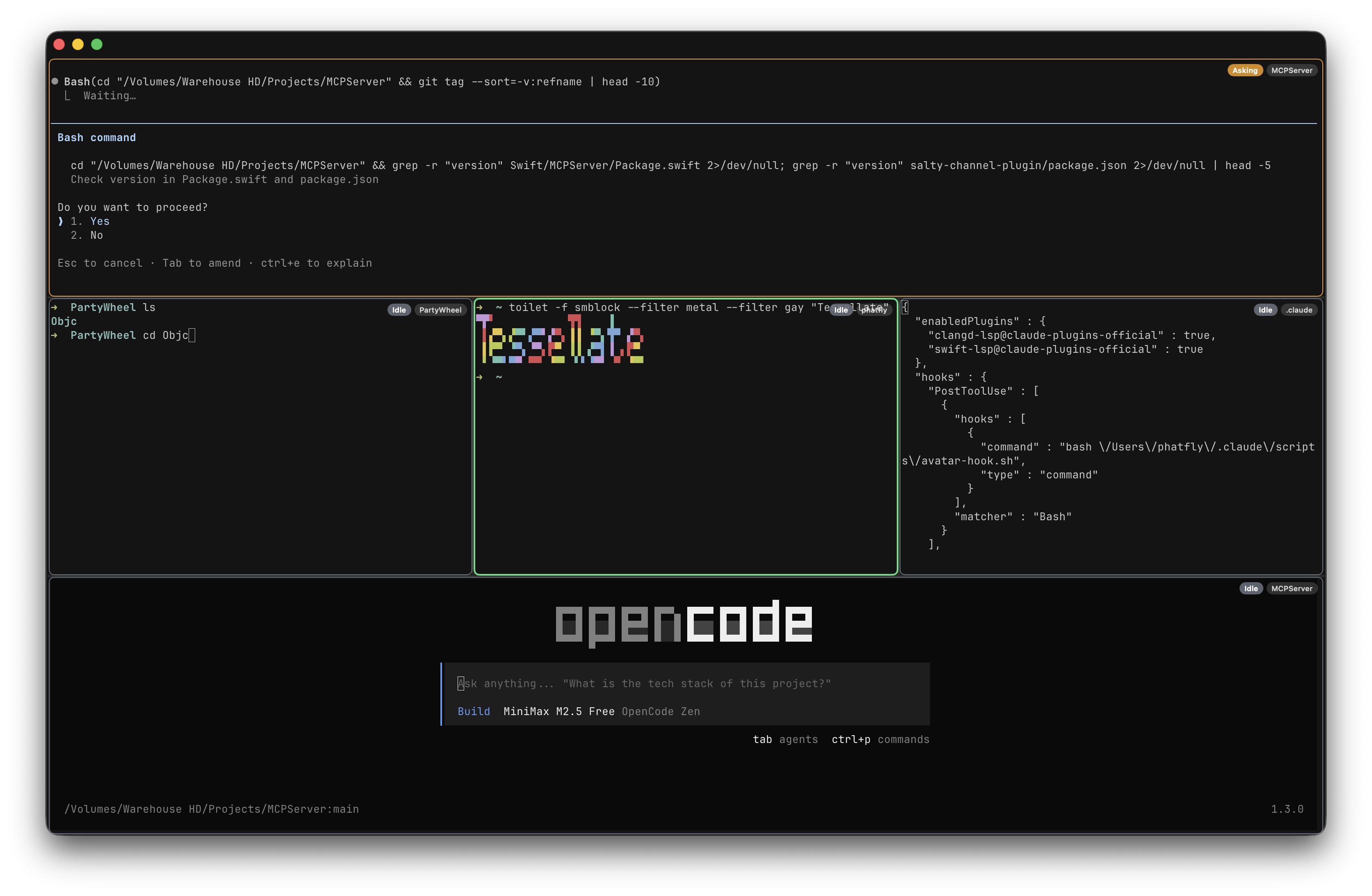
See all your terminal sessions at a glance in an auto-arranging grid — up to 10 panes visible simultaneously. No tabs to switch between, everything is right in front of you.
Colored Status Borders
Each pane shows a colored border indicating its state at a glance:
Gray
Idle — waiting for input
Blue
Working — producing output
Amber
Asking — needs attention
Green
Focused — currently selected
Resizable Splits
Drag dividers between panes to give more space where you need it. The layout adapts as you add or remove terminals.
Smart Pane Creation
Cmd+T opens a new terminal at the same directory as your current pane — jump right into context without navigating.
Full Keyboard Support
Every key works exactly as expected — ESC, Ctrl combinations, arrow keys, and function keys all pass through correctly.
Auto-Updates
Built-in Sparkle update system keeps you on the latest version automatically.
Built For
- AI Agent Workflows: Monitor multiple Claude Code sessions running in parallel
- Microservices Development: Watch logs from multiple services simultaneously
- DevOps: SSH into multiple servers and see them all at once
- Build Monitoring: Keep an eye on builds, tests, and deploys side by side
Technical Details
- Built with: Swift and SwiftUI
- Terminal Engine: Ghostty's Metal-accelerated rendering
- Shell: Real shell processes via pseudo-terminals (not emulated)
- Requires: macOS 26.0+ (Apple Silicon)
- Distribution: Developer ID signed (direct download)
- Copyright: © 2026
Download
Tessellate is distributed as a direct download DMG — no Mac App Store required.
Download Tessellate 2.0.4